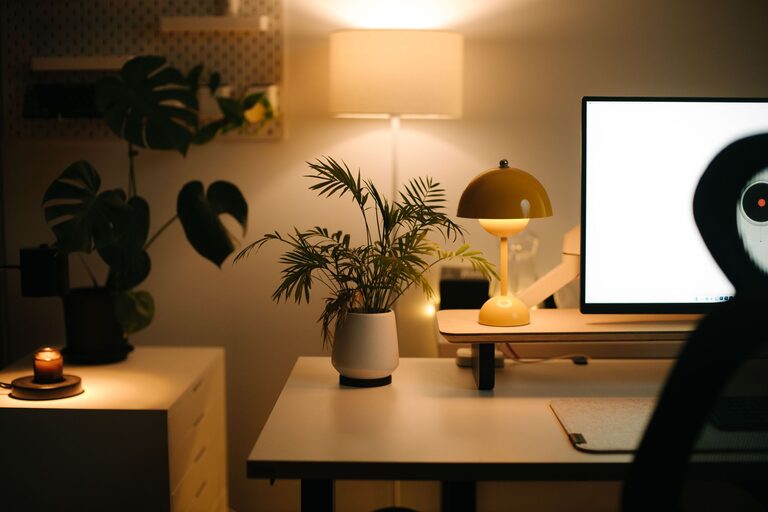



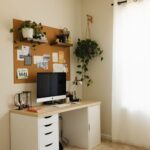
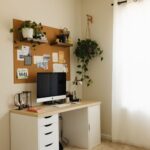


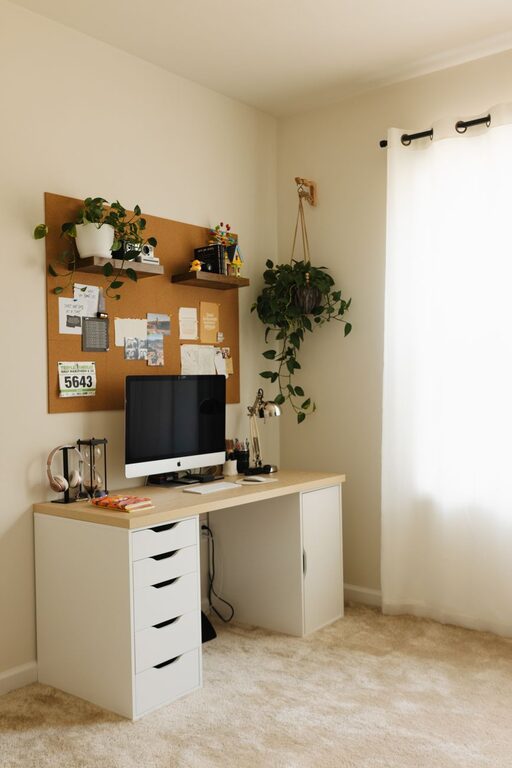
Creating a cozy and productive home office space can make a significant difference in your work experience. Whether you work remotely full-time or occasionally need a dedicated spot to focus, having a comfortable work area can boost your efficiency and well-being. This guide offers helpful tips to design a home office that feels inviting and supports your productivity.
Choose the Right Location
Start by selecting a quiet area in your home where you can concentrate without frequent distractions. Ideally, pick a space with enough room for your desk, chair, and other essentials. If possible, try to avoid high-traffic zones like the kitchen or living room.
Consider Natural Light
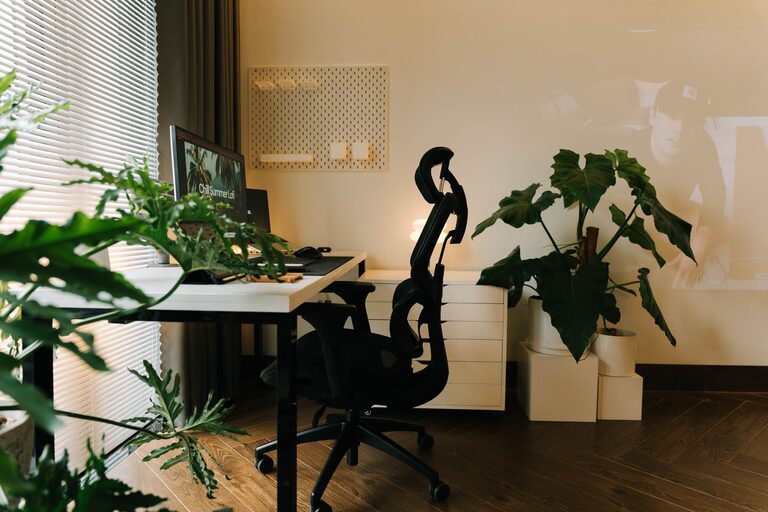
Natural light not only brightens your workspace but also improves mood and focus. Position your desk near a window to take advantage of daylight. If direct sunlight causes glare on screens, use blinds or sheer curtains to soften the light.
Invest in Comfortable Furniture
Comfort is key to staying productive during long work hours. A good chair with proper back support can prevent discomfort and improve posture.
– Ergonomic chair: Choose one with adjustable height and lumbar support.
– Desk: Select a desk that fits your needs and space, allowing you to keep your work materials organized.
Organize for Efficiency
A clutter-free workspace fosters clear thinking. Use smart storage solutions to keep your desk tidy and essential items within reach.
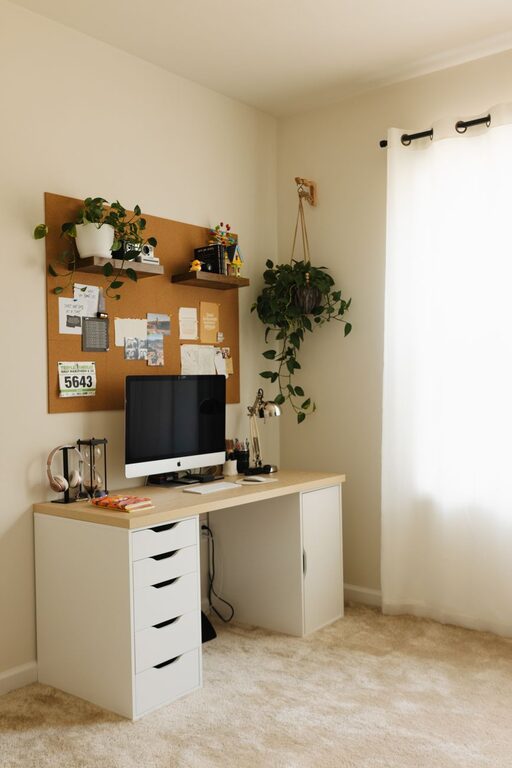
– Shelves and cabinets: Store books, files, and supplies neatly.
– Desk organizers: Use trays, pen holders, and folders to keep small items sorted.
– Cable management: Use clips or sleeves to avoid tangled wires.
Personalize Your Space
Adding personal touches can make your office feel welcoming and motivate you throughout the day.
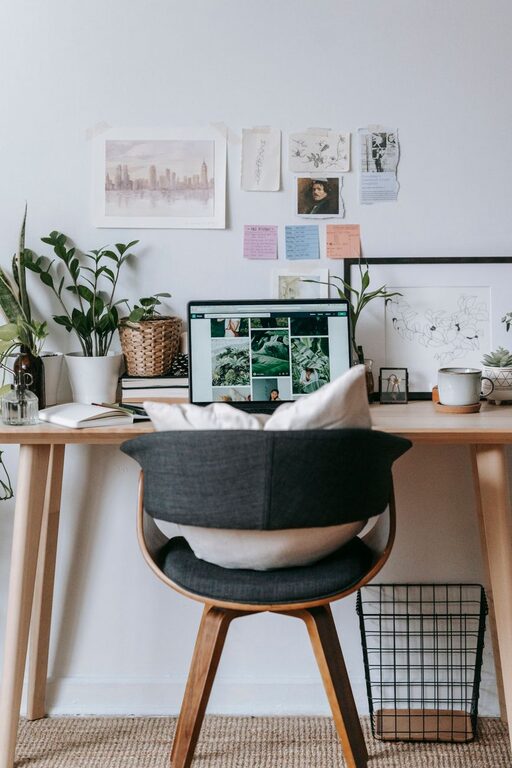
– Decor: Display photographs, artwork, or plants.
– Colors: Use calming or inspiring colors based on your preference.
– Lighting: Combine ambient lighting with a desk lamp for task illumination.
Minimize Distractions
Try to create boundaries that help separate work time from home life.
– Noise control: Use noise-canceling headphones or white noise machines if needed.
– Dedicated work hours: Set clear schedules and communicate them to family or housemates.
– Phone and app management: Limit non-essential notifications during focus periods.
Incorporate Technology Wisely
Having reliable technology is essential for productivity.
– High-speed internet: Ensure your connection can handle video calls and file transfers.
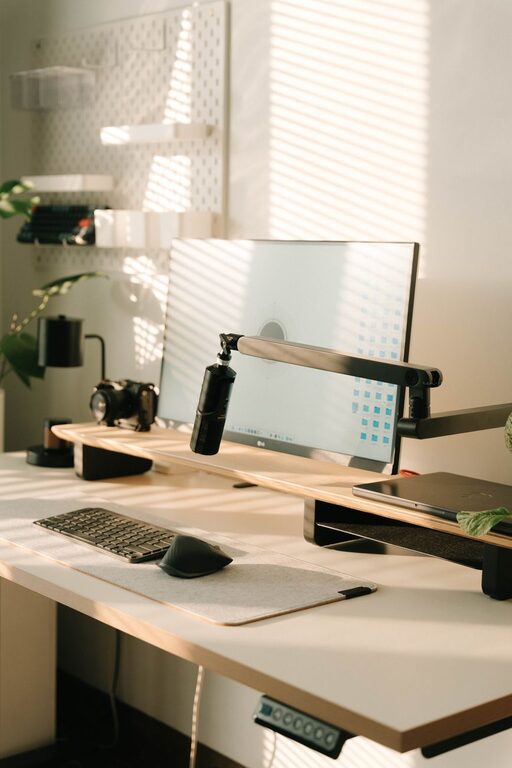
– Quality peripherals: Invest in a good keyboard, mouse, and headset.
– Backup power: Consider an uninterruptible power supply (UPS) to prevent disruptions.
Take Regular Breaks
Don’t forget to pause and recharge.
– Stretch: Stand up and stretch periodically to avoid stiffness.
– Walk: Short walks refresh your mind and body.
– Hydrate and snack: Keep water and healthy snacks nearby.
Maintain Your Workspace
Regularly cleaning and organizing your office helps maintain comfort and functionality.
– Wipe surfaces weekly.
– Review and declutter monthly.
– Update your setup as your needs evolve.
—
Creating a home office that balances coziness and productivity can transform your workdays. By choosing the right space, investing in comfort, staying organized, and minimizing distractions, you set yourself up for success. Personalize your area to make it a place you enjoy spending time in, and remember to take care of yourself as you work. With these tips, your home office can become a supportive environment for all your professional tasks.