


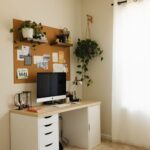
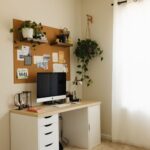


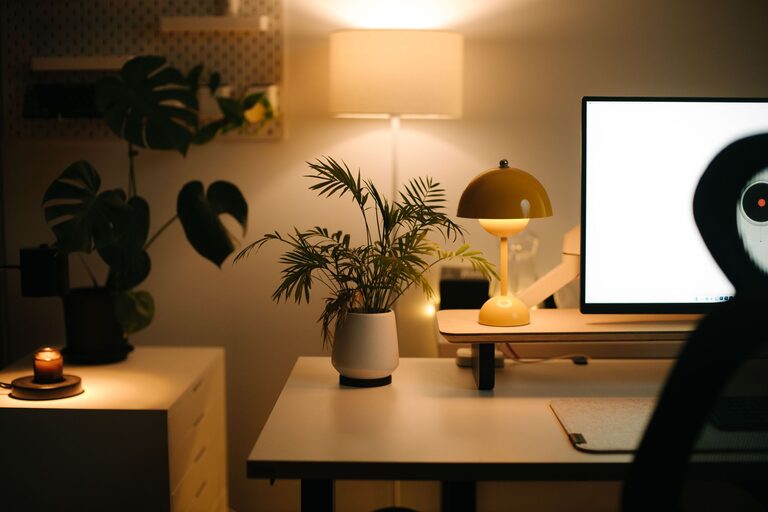
Working from home has become a daily reality for many people, making the design of your workspace more important than ever. A well-organized, comfortable workspace can help boost focus, reduce distractions, and improve your overall productivity. Whether you have a small corner or a dedicated room, creating an environment tailored to your needs can make a big difference. Here are some practical tips to help you build a home workspace that enhances both comfort and concentration.
Choose the Right Location
The first step to a productive home workspace is selecting the best spot in your home. Ideally, find a quiet area with minimal foot traffic and noise. Natural light is a great bonus, as it can enhance mood and reduce eye strain.
– Avoid high-traffic areas: Places like the kitchen or living room might seem convenient but can be distracting.
– Consider privacy: A door or some form of separation can help signal to others when you’re working.
– Natural lighting: Set up near a window if possible but avoid glare on your screen.
Invest in Comfortable Furniture
Comfort plays a huge role in how well you can focus and sustain work throughout the day. Invest in ergonomic furniture that supports good posture and reduces strain.
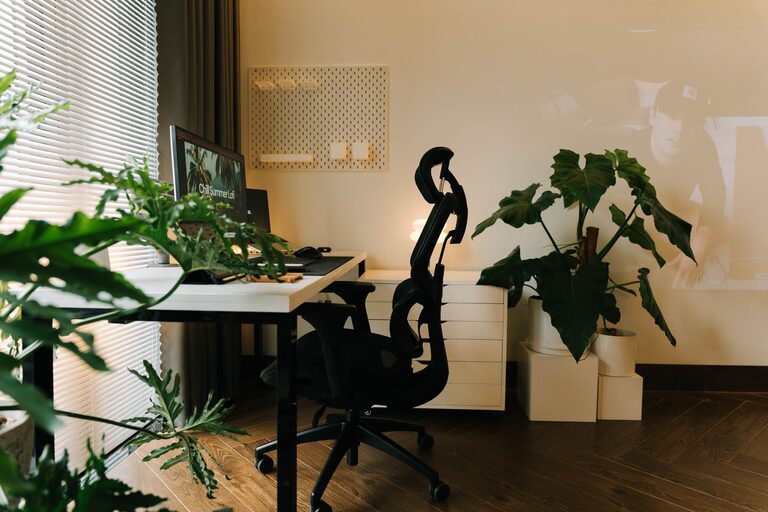
– Ergonomic chair: Choose one with adjustable height and lumbar support.
– Desk size: Ensure your desk has enough space for your computer, documents, and any other tools you need.
– Standing options: Consider a sit-stand desk or a desk riser to alternate between sitting and standing.
Organize Your Desk Efficiently
A cluttered workspace can be distracting and reduce efficiency. Keep your desk tidy and organized to help your mind stay focused.
– Minimal essentials: Only keep items you use daily on your desk.
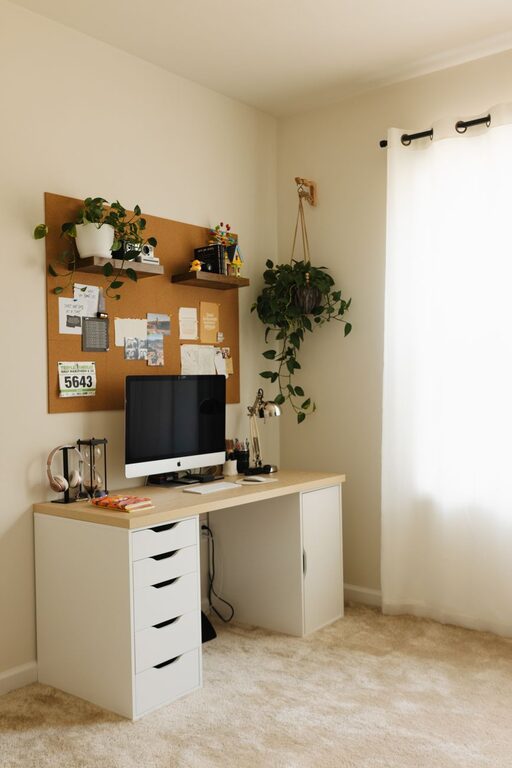
– Storage solutions: Use drawers, shelves, or desk organizers to store supplies neatly.
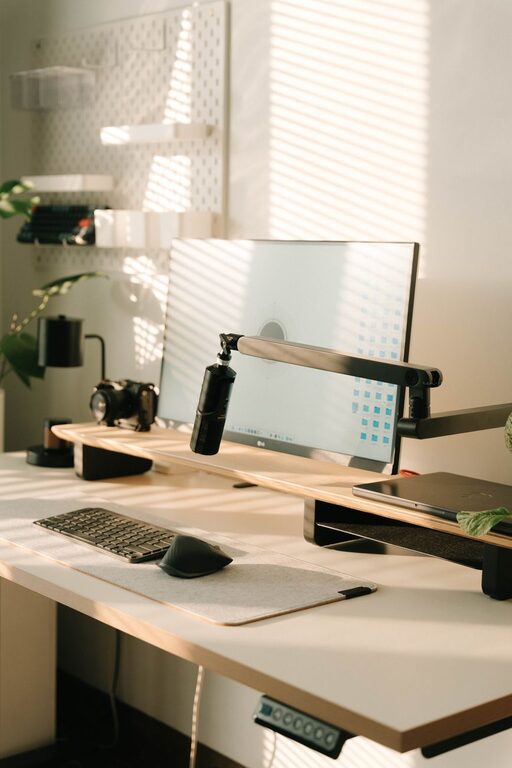
– Cable management: Use clips or cable ties to keep cords organized and out of the way.
Control Lighting and Reduce Eye Strain
Proper lighting is important for reducing fatigue and maintaining focus.
– Adjustable lighting: Use a desk lamp with adjustable brightness.
– Avoid glare: Position your screen to avoid reflections from windows or overhead lights.
– Screen breaks: Follow the 20-20-20 rule — every 20 minutes, look at something 20 feet away for 20 seconds to rest your eyes.
Minimize Distractions
Creating boundaries and reducing interruptions can help you remain focused.
– Set clear work hours: Let family or housemates know when you need quiet time.
– Use noise-cancelling headphones: These can block out background noise and help you concentrate.
– Keep phone notifications off: Silence non-urgent alerts during work periods.
Personalize for Comfort and Motivation
Adding personal touches can make your workspace inviting and inspiring.
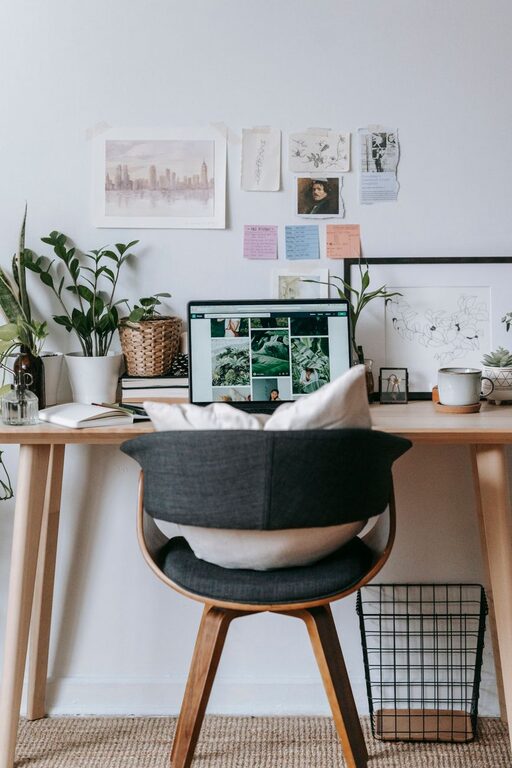
– Plants: Indoor plants add a touch of nature and can improve air quality.
– Inspiring decor: Use artwork, motivational quotes, or photos that uplift your mood.
– Comfort items: Include items like a cozy blanket or a wrist rest to stay comfortable.
Maintain Good Air Quality and Temperature
Physical comfort affects how well you focus during the day.
– Ventilation: Open windows when possible or use an air purifier.
– Consistent temperature: Use fans, heaters, or air conditioning to keep your workspace at a comfortable temperature.
– Hydrate: Keep a water bottle nearby to stay hydrated.
Develop a Routine and Set Boundaries
Creating habits around your workspace helps signal when it’s time to focus.
– Start and end rituals: Begin your day with a specific routine like making a coffee or reviewing your to-do list.
– Breaks: Schedule regular breaks to stretch, move, or relax.
– Separate work and leisure: Avoid using your workspace for non-work activities to keep your mind in “work mode.”
Utilize Technology Wisely
Technology can be both a booster and a distraction, so it’s important to make the most of it.
– Productivity tools: Use apps for task management, time tracking, or focus timers.
– Declutter your desktop: Keep only necessary files and close unrelated tabs.
– Backup your work: Use cloud storage or external drives to keep your files safe.
—
Creating a home workspace that balances comfort and focus is essential for productivity. By choosing the right location, investing in ergonomic furniture, organizing efficiently, and minimizing distractions, you’ll set yourself up for success. Personalize the space and maintain good habits to enjoy a better work-from-home experience every day.