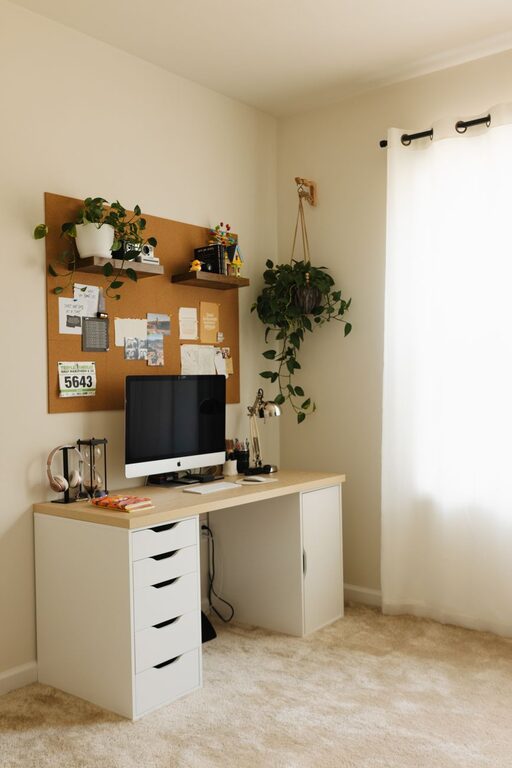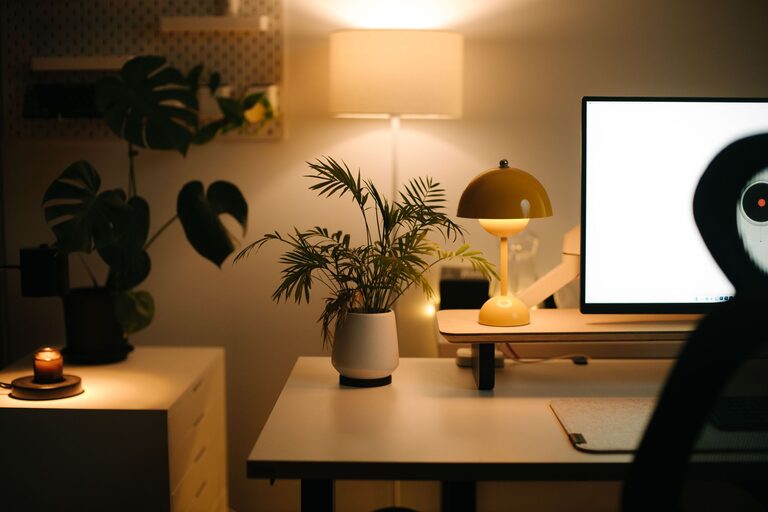



Creating a home office that is both comfortable and productive can significantly improve your work-from-home experience. Whether you are remote full-time or occasionally working from home, having a designated workspace tailored to your needs helps maintain focus and reduces stress. In this post, we’ll explore practical tips for designing a home office space that encourages productivity and comfort.
Choose the Right Location
Picking the right spot for your home office is the first and most important step.
Consider Natural Light
Try to select a space with plenty of natural light. Sunlight boosts mood and energy, which can improve your focus. If natural light is limited, ensure your room has adequate artificial lighting to avoid eye strain.
Minimize Distractions
Choose a quiet area away from household noise and high-traffic zones. If possible, dedicate a separate room rather than a corner of a busy room. This separation helps your brain switch into work mode more easily.
Invest in an Ergonomic Setup
Comfortable furniture and thoughtful layout are keys to a productive workspace.
Ergonomic Chair
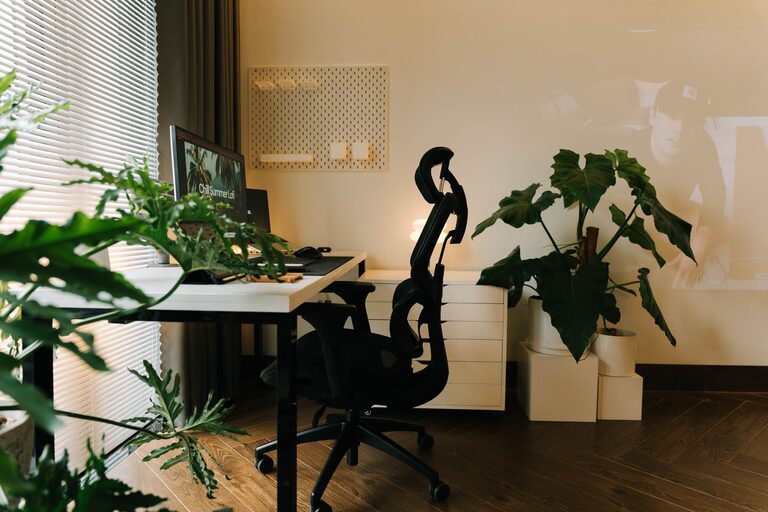
A good chair supports your back, encourages good posture, and reduces discomfort during long hours. Look for adjustable chairs with lumbar support.
Desk Height and Layout
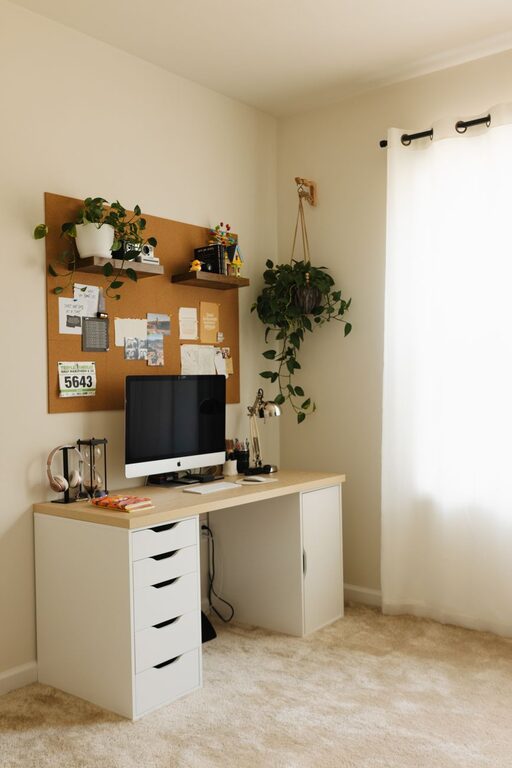
Your desk should allow your arms to rest comfortably at a 90-degree angle when typing. Keep frequently used items within reach to avoid unnecessary stretching.
Monitor Placement
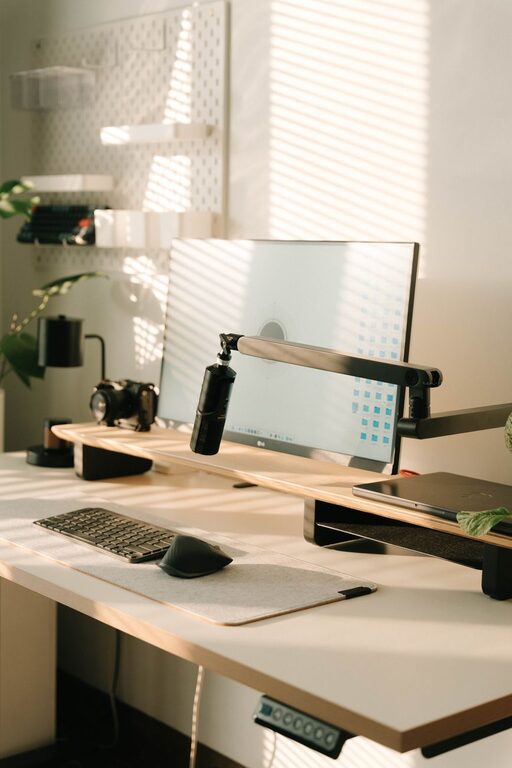
Place your monitor at eye level about an arm’s length away. This helps prevent neck and eye strain.
Organize Efficiently
A cluttered workspace can hinder productivity and cause stress.
Declutter Regularly
Keep only necessary items on your desk. Regularly sort through papers, cables, and supplies to maintain a tidy environment.
Storage Solutions
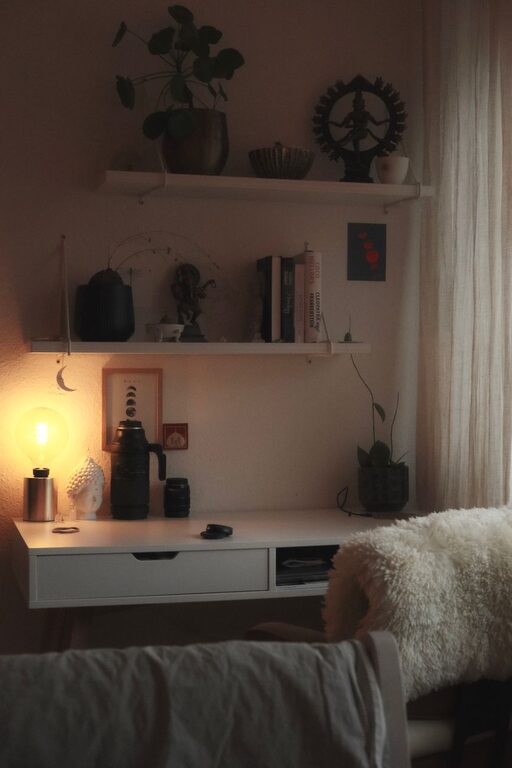
Use shelves, drawers, or filing cabinets to organize documents and tools. Label storage containers for quick access.
Cable Management
Use clips or cable boxes to keep cords tidy and out of the way, reducing the risk of tangling and accidents.
Personalize Your Space
Adding personal touches can make your office more inviting and motivating.
Decor and Colors
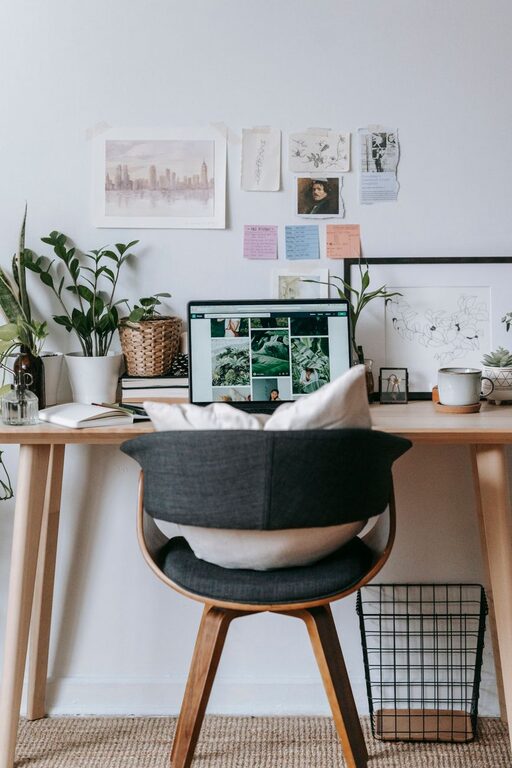
Choose calming colors or energizing tones depending on your preference. Add artwork or inspirational quotes that make you feel positive.
Plants
Indoor plants improve air quality and add a touch of nature, which can help reduce stress and increase focus.
Optimize Technology and Tools
Having reliable and efficient tech makes work smoother.
Quality Internet Connection
Ensure your internet connection is stable and fast to avoid disruptions during meetings and tasks.
Essential Devices
Invest in a good keyboard, mouse, and webcam if needed. Noise-cancelling headphones can help minimize background noise.
Backup Power
Consider a surge protector or an uninterruptible power supply (UPS) to keep your devices safe during power outages.
Establish a Routine and Boundaries
Creating structure around your workspace enhances productivity.
Set Work Hours
Define clear working hours and stick to them. This helps separate work time from personal time.
Breaks and Movement
Schedule regular short breaks to stretch or walk around. This improves circulation and mental clarity.
Communicate Boundaries
If you live with others, communicate your work schedule and explain the importance of minimizing interruptions during work hours.
Maintain Good Air Quality and Comfort
Physical comfort impacts concentration and wellbeing.
Ventilation
Make sure your office is well-ventilated. Fresh air supports alertness.
Temperature Control
Keep your workspace at a comfortable temperature to avoid distractions caused by being too hot or cold.
—
By thoughtfully designing your home office with these tips in mind, you can create an environment that supports both your comfort and productivity. A well-planned workspace can make a big difference in how efficiently and happily you work from home. Start small, customize the space to your needs, and you’ll soon notice positive changes in your work habits.